
QCS6490 hardware overview
Understand the compute platform and documented configuration.
Qmini's compute environment is built around QCS6490 and runs AidLux, which combines an Android-facing system with a Linux development workspace. Use this page to identify the documented compute configuration; use the specification for your shipped Qmini revision before designing a wiring harness or power system.
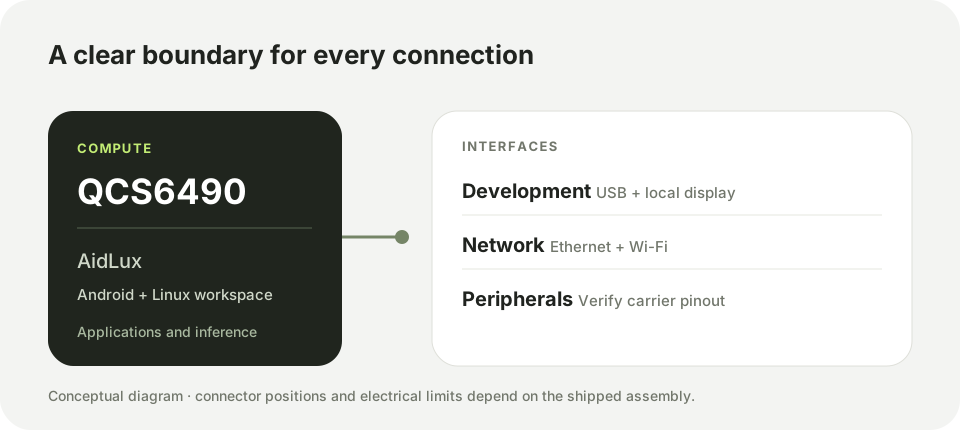
Documented compute configuration
| Component | Configuration described in the supplied hardware material |
|---|---|
| Compute platform | QCS6490 |
| CPU | One Cortex-A78 core at up to 2.7 GHz, three Cortex-A78 cores at up to 2.4 GHz, and four Cortex-A55 cores at up to 1.9 GHz |
| GPU | Adreno 642 |
| AI processing | Approximately 12 TOPS at INT8 precision; actual throughput depends on the model and runtime |
| Memory | 8 GB LPDDR4 |
| Storage | 128 GB UFS 3.1 |
| System image | AidLux with Android 14 and Ubuntu 22.04 environments |
The table describes the documented configuration, not a promise that every Qmini production revision or system image has identical memory, storage, clock limits, or exposed connectors. Check the device label, installed image, and order specification when reproducibility matters.
Software and hardware boundaries
AidLux provides the application environment. AI workloads may use AidLite and other installed SDK components; available accelerators and package versions depend on the image. Robot motion, emergency stop, and high-current devices belong to a separately validated control path. Do not connect a motor directly to a compute-board signal pin.
Continue with QCS6490 interfaces to choose a connection, or QCS6490 bring-up to check a newly powered device.